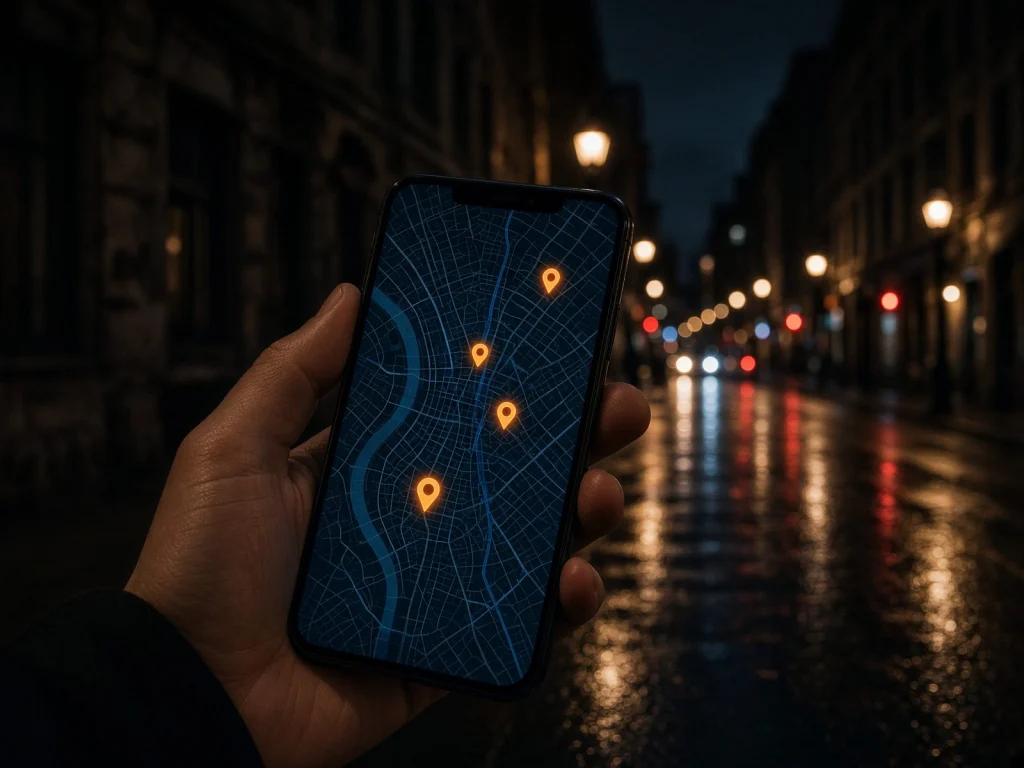
When a customer searches “barber near me” or “bakery Montréal-Nord”, your Google profile is often what they see before your website: address, hours, photos, reviews, call button. Here are the nine Google Business Profile settings that make the difference for a local business.
1. Claim and verify the profile
Sign in to Google Business Profile with a business Google account (not an employee’s personal account), then verify the profile using the method offered. Without verification, you control neither the information nor the review replies.
2. The real name, no keywords
Write the name as it appears on your sign. Adding “best barber Montréal” to the name breaks Google’s rules and can get the profile suspended.
3. The right primary category
The primary category tells Google what you are. Pick the most precise one (“Bakery” rather than “Store”), then add a few relevant secondary categories.
4. Address or service area
A business that welcomes customers shows its address. A business that travels (cleaning, renovation, in-home services) can set a service area and hide its address.
5. Hours, including holidays
Wrong hours lose customers and attract bad reviews. Add special hours for holidays and vacations.
6. A useful description
You have 750 characters to say what you do, for whom and where. Mention your services and your neighbourhood naturally, without a list of keywords.
7. Recent photos and videos
Storefront (so people recognise you), interior, products, team at work: real, recent photos reassure. Short videos, like your reels, can be posted too.
8. Reviews and your replies
Ask happy customers for a review with the profile’s direct link. Reply to every review: a personal thank-you for positive ones, a calm, factual answer to criticism. Never buy reviews or offer rewards in exchange.
9. Products, services and posts
Add your services with a short description, your key products with a photo, and regularly post an offer, a novelty or an event. An active profile makes people want to choose you.
Keep your information consistent
Name, address and phone must be identical on the profile, your website, Facebook and directories. And watch for edits suggested by the public: Google may apply them if you don’t respond.
BRAVUM Digital creates, optimizes and monitors Google profiles for businesses in Greater Montréal, along with the website and ads that go with them.
Frequently asked questions
How long before I appear on Google Maps?
After verification the profile usually appears quickly, but verification time varies. Ranking then depends on relevance, distance and prominence.
Can a negative review be removed?
Only if it breaks Google’s rules (fake review, hate speech, conflict of interest): you can then report it. Otherwise, the best answer is a calm public reply and regular positive reviews.
Do I need a website as well as the profile?
Yes. The profile links to your website, which presents each service in detail and reassures people before they call. Each strengthens the other.
Can a business without premises have a profile?
Yes, with a service area and a hidden address, as long as it serves customers in person.
A digital project? Let’s talk.
Request a quote